
I once worked with an HR manager who told me she spent nearly ten hours a week answering the same three questions:
- “Where’s my payslip?”
- “How many leave days do I have left?”
- “Can you update my address?”
Ten hours. Every week. That’s a quarter of her job spent on tasks an employee could handle themselves in under a minute, if only the right system existed.
That’s the entire case for an Employee Self-Service portal in one story. An ESS portal is the part of your HR or payroll software that hands control of routine, personal information back to the employee — payslips, leave requests, tax declarations, and attendance records without a single email to HR. It sounds simple because it is simple. What surprises most business owners is how much time and friction disappears once it’s in place.
If you’re a founder, IT manager, or operations lead trying to figure out whether an ESS portal is worth budgeting for in 2026, this is what I’d tell you across a table, not what a vendor’s brochure would.
ESS Employee Self-Service Offered by Payroll Software
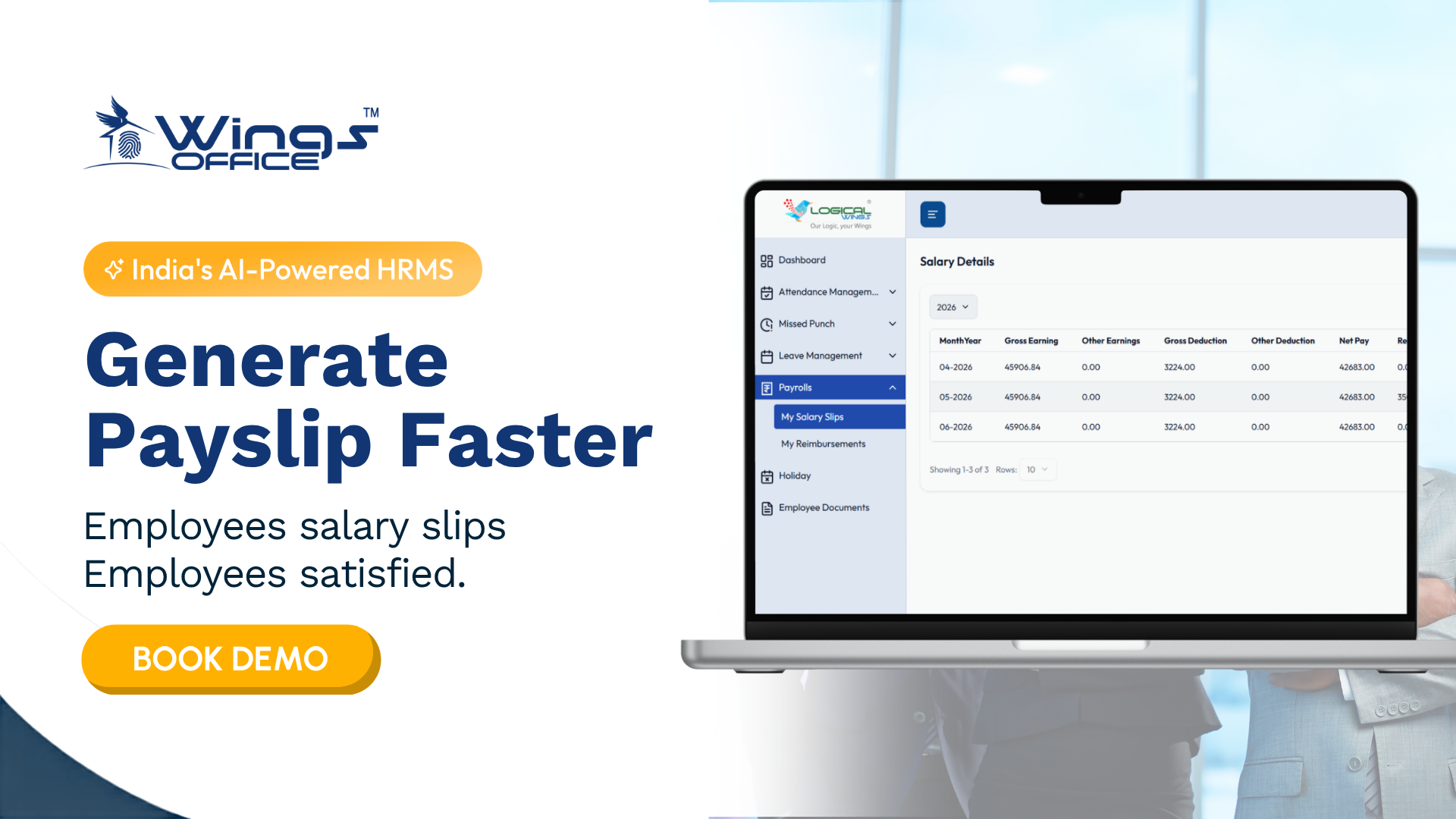
Most modern payroll platforms now bundle an ESS portal as a standard feature rather than an add-on, and that shift matters. It means employees can pull their own payslips, check tax deductions, and download Form 16 without HR acting as a middleman for every request.
The direct connection to payroll is what makes this genuinely useful rather than a nice-to-have dashboard. Because the ESS portal pulls live data straight from the payroll system, employees see accurate, up-to-date numbers instead of static documents someone forgot to update. When a salary revision happens or a tax regime changes, the portal reflects it immediately.
For HR teams, this connection also means fewer errors. Instead of manually generating individual payslips or answering repetitive queries about deductions, the system handles distribution automatically, and HR’s time gets freed up for the parts of the job that actually require a human.
What Are Examples of ESS Systems?
ESS isn’t a single type of tool; it shows up in different forms depending on what a business needs most. Here are the common categories businesses actually use:
- Payroll-integrated portals — payslips, tax documents, salary structure visibility (built into platforms like Keka, Zoho People, or Darwinbox)
- Leave and attendance apps — leave applications, approval tracking, and clock-in/clock-out functions
- Benefits enrollment platforms — insurance selection, reimbursement claims, and wellness program access
- Document management portals — offer letters, ID proofs, appraisal letters stored and accessible on demand
- Onboarding self-service tools — new hires filling in personal details and submitting documents before day one
Most businesses don’t need all five separately. The more practical approach is picking a platform where these functions live under one login, so employees aren’t juggling four different apps for four different HR tasks.
What Are the 5 Payroll Steps ESS Connects To?
An ESS portal doesn’t exist in isolation — it plugs directly into the payroll cycle, which generally follows five stages:
- Data collection — attendance, leave, and variable pay inputs gathered for the cycle
- Salary calculation — gross pay, deductions, and tax computed based on collected data
- Statutory compliance — PF, ESI, professional tax, and TDS calculated and set aside
- Payslip generation and distribution — where the ESS portal takes over, delivering payslips directly to employees
- Bank transfer and reconciliation — final payment processed and records closed for the cycle
The ESS portal’s role sits mainly at step four, but its impact touches the whole cycle. When employees can self-correct errors in personal or tax information before a payroll run, it prevents mistakes from surfacing after payment has already gone out — which is a far more painful conversation to have.
How Does a Computerized HR System Contribute to Employee Self-Service?
A computerised HR system is what makes self-service technically possible in the first place. Without a centralised digital record of employee data, there’s nothing for an ESS portal to pull from or display accurately.
Here’s what that contribution actually looks like in practice:
- Single source of truth — employee data lives in one place, so self-service information stays accurate and current
- Automated updates — changes to salary, tax regime, or policy reflect instantly across the portal
- Reduced administrative load — HR handles exceptions, not routine requests
- Audit trails — every self-service action (leave request, document download) is logged and traceable
- Faster onboarding — new hires access relevant systems from day one instead of waiting on manual setup
The businesses that struggle most with ESS adoption are usually the ones that layered a self-service portal on top of a fragmented, poorly maintained HR system. The portal is only as reliable as the data feeding it.
ESS Employee Self-Service App Download
Most ESS platforms today offer a dedicated mobile app, available on both Android and iOS, so employees aren’t tied to a desktop browser to check a payslip ospendr apply for leave. This matters more than it might seem for field staff, retail teams, or anyone without regular desk access, mobile availability is often the difference between actual adoption and a portal nobody logs into.
A few things worth checking before rolling one out company-wide:
- Does the app work reliably on low-bandwidth connections?
- Is biometric login supported for secure, fast access?
- Can employees access it without a company VPN?
- Does it support offline data caching for areas with spotty connectivity?
I’ve seen well-funded ESS rollouts fail simply because the app was clunky on older Android devices, a detail vendors rarely mention in a polished demo but one your frontline staff will notice immediately.
Frequently Asked Questions
- What is an Employee Self-Service (ESS) portal?
An ESS portal is a digital platform that lets employees access and manage their own HR-related information, payslips, leave, attendance, and personal details without going through HR for every request.
- Is ESS software included in payroll software, or is it separate?
Most modern payroll platforms include ESS as a built-in feature, though standalone ESS tools also exist for businesses using separate HR and payroll systems.
- What features should a good ESS portal have?
At minimum, look for payslip access, leave management, tax declaration updates, attendance tracking, and mobile app availability with reliable performance on lower-end devices.
- How does ESS software benefit small businesses?
It reduces the administrative burden on HR teams by shifting routine tasks to employees directly, freeing up time for higher-value work like hiring and policy development.
- Is employee data safe on ESS self-service apps?
Reputable ESS platforms use encryption, role-based access, and secure authentication, though it’s worth verifying a vendor’s specific data protection certifications before deployment.
Final Thoughts
An employee self-service portal isn’t a flashy addition to your HR stack; it’s the quiet fix for a problem most businesses don’t notice until they’re buried in it. HR teams spending their week on tasks that don’t need a human at all. From payslip access to leave requests to onboarding documents, the right ESS setup gives employees the control to handle their own routine needs while giving HR room to focus on the work that actually requires judgement.
If you’re comparing employee self-service software for business, don’t just look at feature checklists; test how the app performs for your actual workforce, especially if you have field or shift-based staff who’ll be using it from a phone, not a desk. The best employee self-service software is the one your team actually opens, not the one with the longest spec sheet.
And if this evaluation is part of a bigger conversation building a custom ESS integration, connecting it with your existing payroll system, or designing an internal portal tailored to how your team actually works, that’s exactly the kind of digital product work worth a conversation before you commit to an off-the-shelf option.


