
SMART NOTIFICATIONS
Smart Alerts For HR Team
Leave requests, approval reminders, payroll processing alerts, birthday wishes, and document expiry warnings: Wings Office sends alerts to the HR team via email, push, and in-app channels. Zero manual follow-ups.
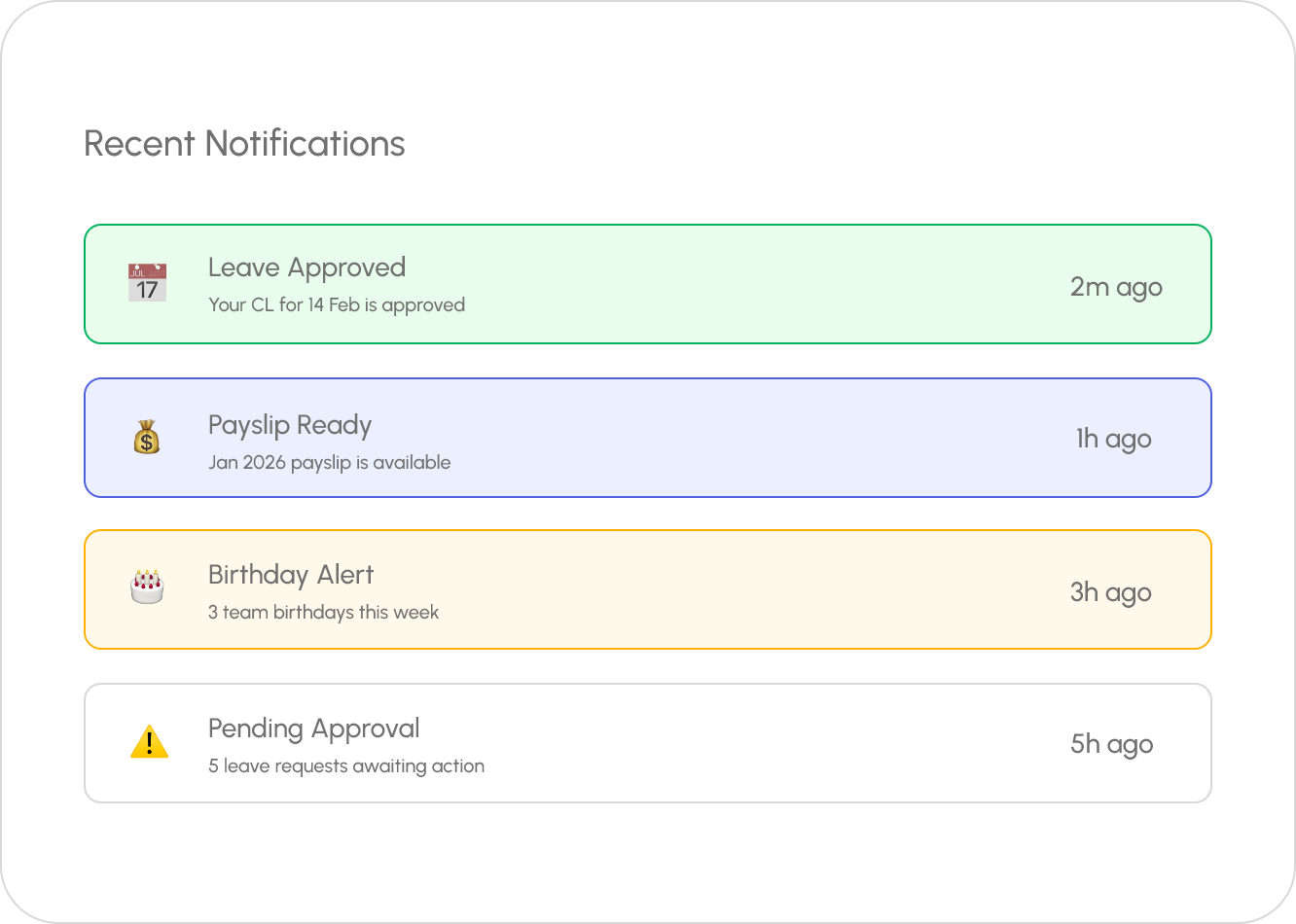
Notification Types
Automated Alerts
for Every HR Event

Leave Notifications
New leave request alerts, approval/rejection confirmations, balance warnings, and team absence summaries.

Attendance Alerts
Late arrival warnings, missed punch notifications, overtime alerts, and daily attendance summaries for managers.

Payroll Alerts
Salary processing updates, payslip availability, TDS declaration reminders, and reimbursement status changes.

Birthday & Anniversary
Automated birthday wishes, work anniversary celebrations, and upcoming milestone alerts for managers.

Document Alerts
Document expiry warnings (visa, license, contract), pending document upload reminders, and verification notifications.

System Alerts
Probation period ending, contract renewal due, policy changes, and system maintenance notifications.
Delivery Channels
Reach Everyone, Everywhere

Branded email notifications with your company logo and colors. Custom templates for each notification type.

In-App
Real-time in-app notifications with an organized inbox. Mark as read, filter by type, and take action directly.

Push Notifications
Mobile push notifications for urgent alerts — approval requests, attendance reminders, and payroll updates.
Frequently Asked Questions
Common Questions
Notifications are typically triggered in real time when important HR activities occur, such as leave requests, attendance updates, payroll processing, approvals, document submissions, or policy announcements. This ensures employees and managers stay informed and can take timely action when required.
Yes, most advanced HRMS platforms allow administrators to configure notifications based on user roles, departments, and responsibilities. This ensures employees, managers, HR teams, and executives receive only the alerts that are relevant to their specific functions, reducing unnecessary communication.
Yes, HRMS solutions often provide customizable email templates for onboarding, leave approvals, payroll notifications, attendance alerts, announcements, and employee communications. Custom templates help organizations maintain brand consistency, improve communication efficiency, and deliver personalized messaging.
Yes, modern HRMS platforms support notifications across both mobile applications and web dashboards. Users can receive instant alerts, reminders, and updates regardless of their device, ensuring seamless communication and improved employee engagement across the organization.
Never Miss an HR Update. Never Chase a Follow-Up.
Define your company’s building blocks once and let Wings Office use them everywhere. Schedule Free Demo Now


