
THEME MANAGEMENT
Your Brand, Your Colors. HRMS Custom Theme
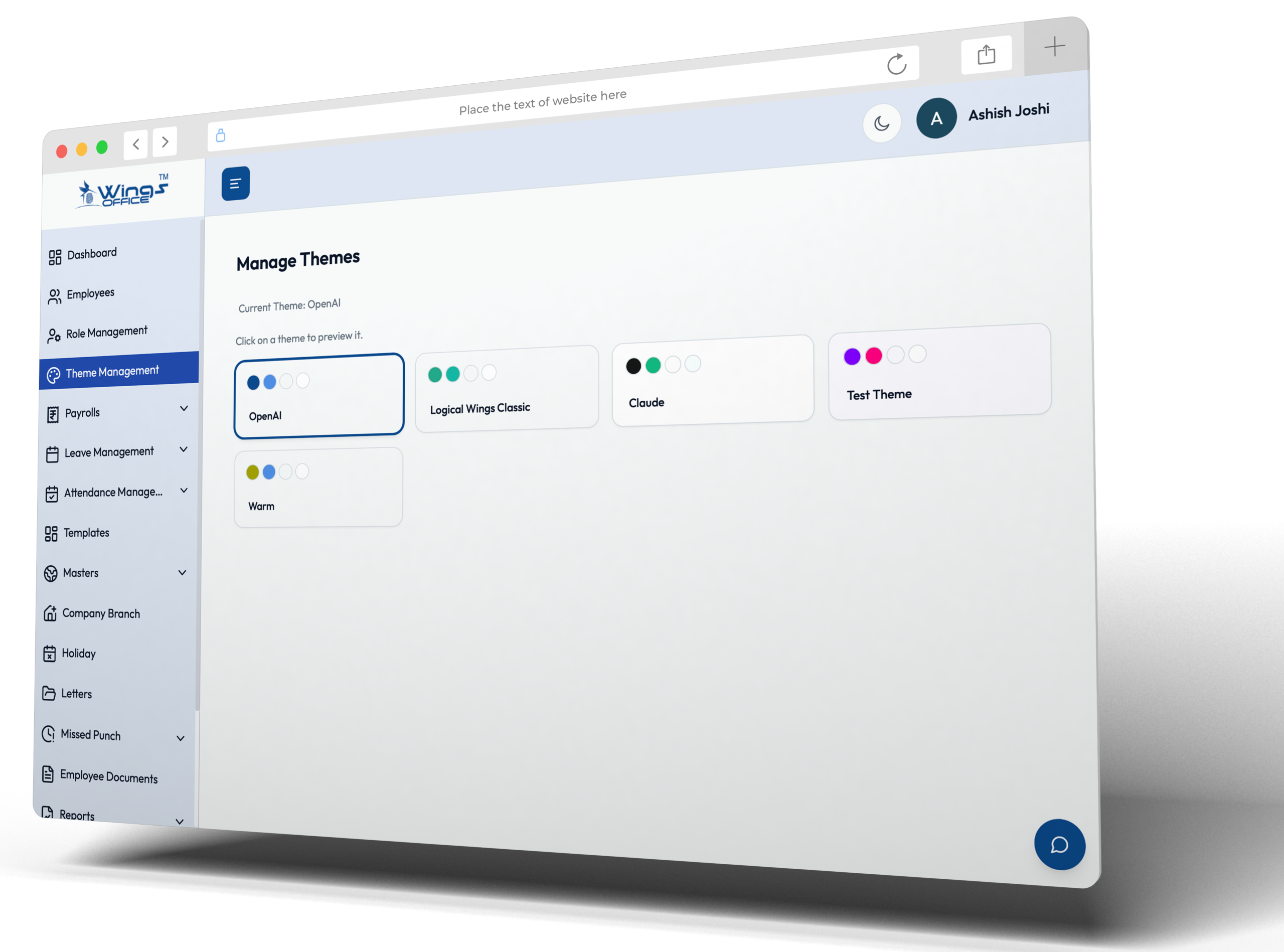
Wings Office adapts to your company’s visual identity. Upload your logo, set your brand colors, and choose from pre-designed custom theme management. Your employees see a portal that feels like it was built just for your company.
Notification Types
Automated Alerts
for Every HR Event

Brand Colors
Set your primary and accent colors. The entire portal’s buttons, headers, links, and highlights adapt to your brand palette automatically.

Company Logo
Upload your logo for the navbar, login screen, payslips, letters, and email templates. Multiple format support (PNG, SVG, JPEG).

Pre-built Themes
Choose from curated theme presets like Modern, Classic, Minimal, and Dark, each designed for professional enterprise use. Switch themes with one click.
FAQ
Common Questions
Yes, a custom theme helps organizations align their HRMS platform with their corporate identity by incorporating brand colors, logos, and visual elements. This creates a consistent digital experience, strengthens brand recognition, and enhances employee engagement across the platform.
Most modern HRMS platforms allow authorized administrators to update themes whenever required. Businesses can easily refresh branding elements, adjust color schemes, or apply new design preferences to keep the platform aligned with evolving corporate branding guidelines.
No, custom theme management is typically restricted to authorized administrators or users with specific permissions. This ensures brand consistency, prevents unauthorized changes, and maintains a professional user experience across the HRMS environment.
Yes, in most HRMS solutions, custom themes extend to the Employee Self-Service (ESS) portal as well. This provides employees with a consistent branded experience when accessing payroll details, leave requests, attendance records, and other self-service features, improving usability and organizational identity.


