
LEAVE MANAGEMENT SOFTWARE
Apply. Approve.
Done. That Simple.
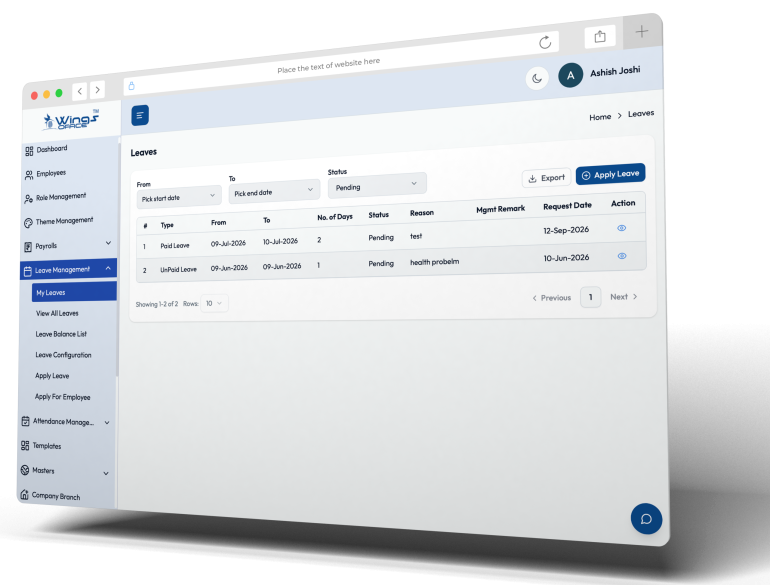
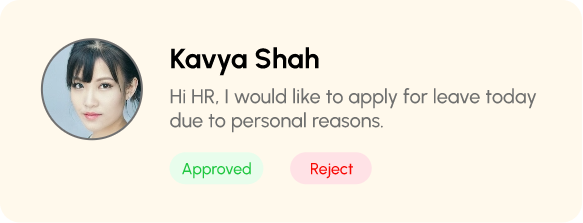
No more email chains or WhatsApp messages to request a day off. WingsOffice gives employees a self-service portal to apply leaves, and managers a one-tap approval system. Policies are enforced automatically — no manual balance tracking.
WHAT IT MATTERS
Leave Management Without the Headaches
Tracking leave on spreadsheets leads to errors, disputes, and payroll discrepancies. WingsOffice automates every aspect — from policy enforcement to balance calculations — so HR can focus on people, not paperwork.

Flexible Leave Policies
Configure unlimited leave types — casual, sick, earned, compensatory, maternity, paternity, and custom types. Each with its own accrual rules, limits, and carry-forward policies.

Multi-Level Approvals
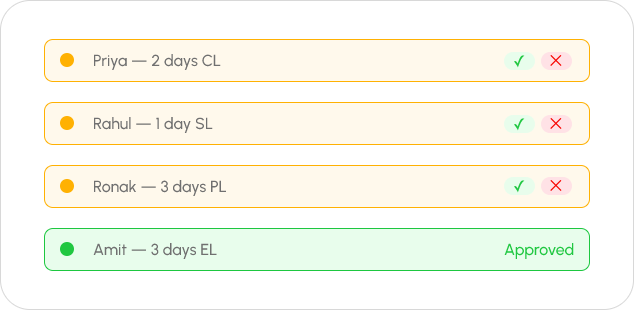
Define approval chains — direct manager, department head, HR, or custom workflows. Each approver gets notified instantly. No request gets lost.

Team Calendar View
Managers see who’s on leave before approving. Avoid team shortages with visual conflict detection. Plan better, manage smarter.

Leave Encashment
Configure encashment rules for unused earned leaves. Auto-calculate encashment amounts during exit or year-end. Direct integration with payroll.

Carry Forward & Lapse
Define carry-forward limits and lapse rules per leave type. Year-end balance adjustments happen automatically — no HR intervention needed.

Employee Self-Service
Employees check balances, apply for leaves, track approvals, and view their leave history — all from their portal. HR involvement: zero.
Deep Dive
Every Leave Type, Every Rule, Covered
Policy Engine That Adapts to You
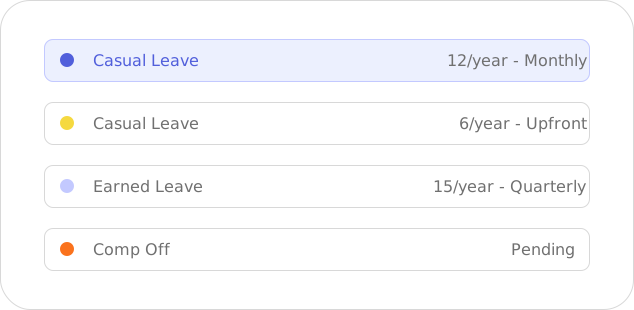
Every company has unique leave policies. WingsOffice lets you define accrual type (monthly, yearly, or upfront), restrictions (minimum/maximum days, notice period), sandwich rules, and probation-period exceptions — all without writing a single line of code.
- Monthly, quarterly, or annual accrual
- Sandwich & holiday rules
- Probation-specific policies
- Gender-specific leave types
One-Tap Manager Approvals
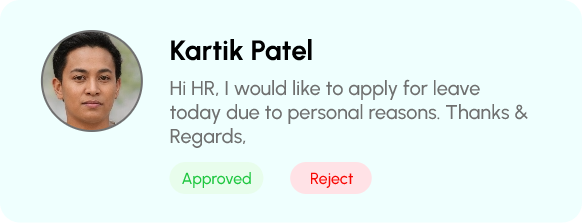
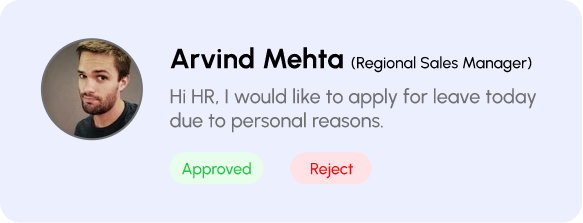
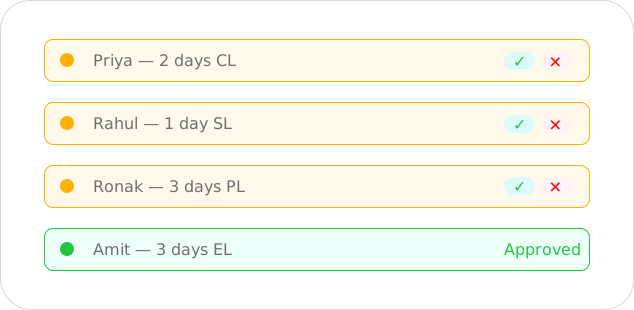
Managers receive instant notifications when a leave request arrives. They see the employee’s leave balance, team calendar, and recent leave history — all in one view. Approve or reject with a single tap, with optional comments.
- Push notifications for pending requests
- Team availability at a glance
- Bulk approval for multiple requests
- Delegate approval authority
Beyond Standard Leaves
Every Leave Scenario, Handled Automatically
WingsOffice goes beyond casual and sick leaves — handling complex scenarios that other tools ignore.
Compensatory Off (Comp-Off)
Employee works on a holiday? Manager grants comp-off credits with one click. The employee can then apply comp-off leaves anytime within the validity period. Full audit trail maintained.
- Auto-credit on holiday work
- Configurable expiry rules

Work From Home Tracking
Track WFH days as a leave type or attendance category. Set limits on WFH days per month, require manager approval, and maintain visibility on who’s working remotely.
- Monthly WFH limits
- Hybrid policy compliance

On-Duty & Outdoor Visits
Mark attendance for employees on official duty outside the office — client visits, conferences, training. On-duty doesn’t count as leave but maintains accurate attendance records.
- Separate from leave balance
- Location & purpose logging
Go Live in 4 Simple Steps
Most teams are up and running the same day.
Sign Up
Create your free account in under 2 minutes. No credit card required.
Configure
Set up company profile, policies & workflows with our guided setup wizard.
Onboard Team
Invite your team via email or bulk upload CSV. They’re ready in minutes.
Go Live
Start managing HR with AI power. Most teams are live the same day.
FAQ
Common Questions
What Is a Leave Management System?
A leave management system is an HRMS module that automates leave requests, approvals, leave balance tracking, and company leave policies. It reduces manual administration, improves accuracy, and ensures transparent leave management for both employees and HR teams.
Which Is the Best Leave Management System?
The best leave management system is one that integrates seamlessly with attendance, payroll, and employee self-service while offering automated workflows, customizable leave policies, mobile access, and real-time reporting. Solutions like Wings Office HRMS provide these capabilities, helping businesses simplify leave administration and improve overall HR efficiency.
Can Employees Apply for Leave Through the Mobile App in Wings Office HRMS?
Yes, Wings Office HRMS allows employees to apply for leave directly through the mobile app, track approval status, and view leave balances anytime. This mobile accessibility improves employee convenience while enabling faster approvals and seamless communication with managers.
How Does a Leave Management System Help HR and Managers?
A leave management system streamlines leave approvals, monitors employee availability, automates leave calculations, and integrates with attendance and payroll. This helps HR and managers improve workforce planning, reduce administrative effort, and maintain compliance with company leave policies.
Can Employees See Their Leave History and Balance?
Yes, employees can securely access their leave history, available leave balance, approved requests, and pending applications through the Employee Self-Service (ESS) portal or mobile app. This transparency reduces HR queries and gives employees greater visibility into their leave records.