
Key Takeaways
- greytHR works well for standard payroll and compliance, but growing teams often outgrow its limits on customization, integrations, and support responsiveness.
- The right HR software depends on your team size, compliance needs, and how much you want to automate beyond payroll.
- Wings Office, Zoho People, Keka, Kredily, and Pocket HRMS each suit different business sizes and budgets.
- Choosing an alternative is less about features on paper and more about fit with your actual workflows and growth plans.
greytHR has earned its place as a familiar name in Indian HR and payroll management. For a lot of small and mid-sized businesses, it handles the basics competently: salary processing, statutory compliance, leave tracking. But familiar doesn’t always mean right. As your team grows, your workflows get more specific, and your expectations climb, the cracks start to show. That’s usually when business owners begin searching for greytHR alternatives that bend to their needs instead of the other way around.
This isn’t a hit piece on greytHR. It’s a practical look at why switching might make sense, which options are worth considering, and how to pick one without regretting the decision six months later.
Why greytHR Alternatives Matters for Growing Teams
Most teams don’t go looking for a replacement when things are working. They start looking when something keeps getting in the way. With greytHR, a few recurring frustrations tend to push businesses toward the exit.
The first is rigidity. greytHR is built around standardized payroll and compliance flows, which is fine until your business has a quirk the software won’t accommodate, say, a non-standard pay cycle, a complex incentive structure, or location-specific allowances that need custom logic. You end up adjusting your process to fit the tool.
Support is another common sticking point. When payroll breaks three days before the salary date, response time stops being a minor inconvenience and becomes a real business risk. Several small-business users report that getting timely, hands-on help can be slow, especially on lower-tier plans.
Then there’s the integration question. If you run sales on one platform, accounting on another, and attendance on a biometric system, you want your HR software talking to all of them without manual exports. Limited or clunky integrations force teams back into spreadsheets, which defeats the purpose of buying software in the first place.
Finally, pricing and scalability catch some businesses off guard. What felt affordable at ten employees can feel very different at eighty, especially once you add modules. None of this means greytHR is a bad product. It means it’s a specific product, and not every business is the specific business it was built for.
5 HR Software Alternatives Worth Considering for Small Businesses
The market for HR and payroll software for small businesses in India has grown crowded, which is good news for buyers. Here are five options that cover a range of budgets, team sizes, and priorities.
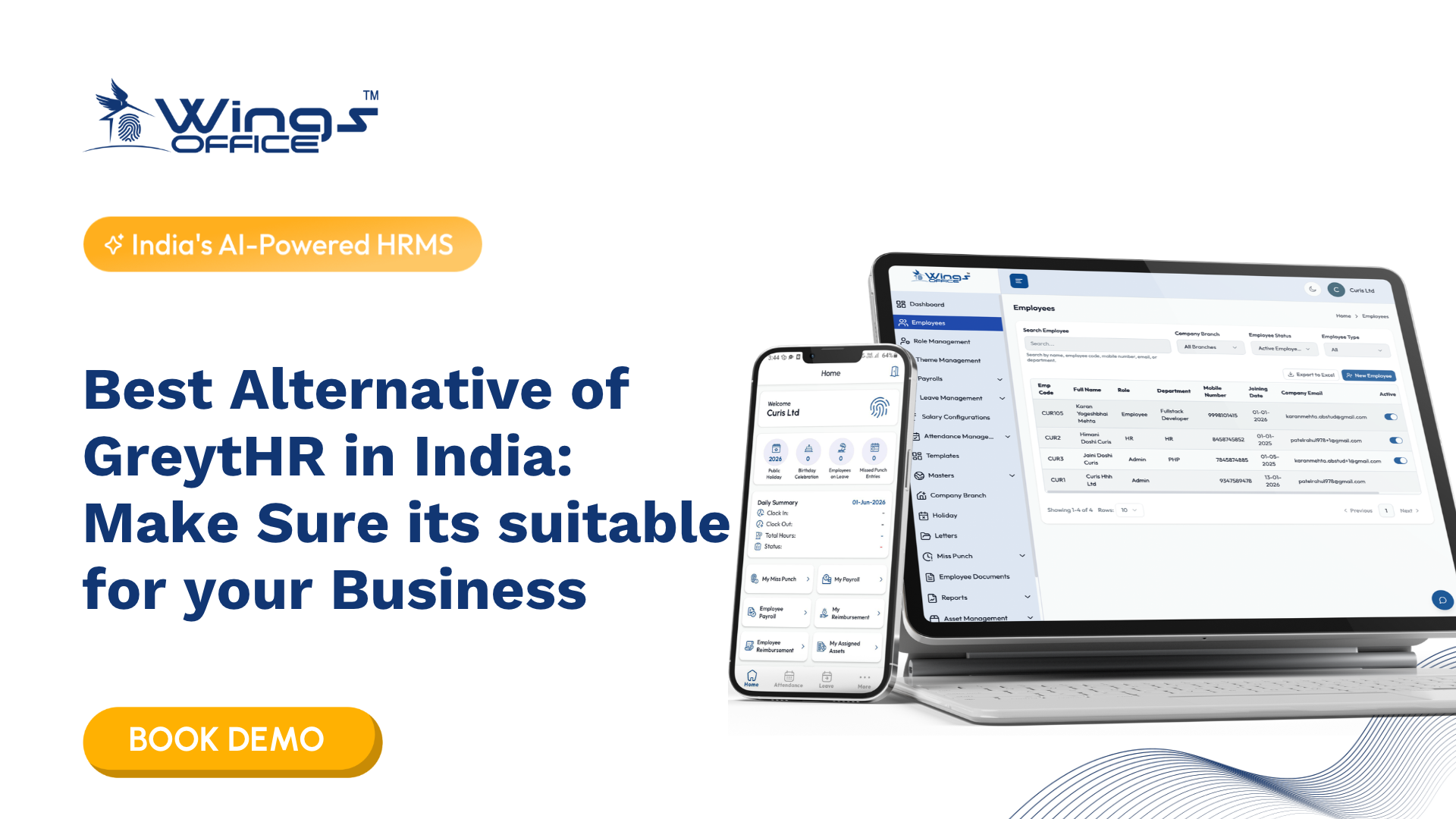
Wings Office is built for small and growing businesses that want HR, payroll, and office operations working together rather than in separate silos. It handles attendance, leave, payroll processing, and compliance while staying flexible enough to adapt to how your team actually operates. For owners who are tired of rigid workflows and slow support, it leans toward responsiveness and configurability, making it a strong fit for businesses that have outgrown one-size-fits-all tools.
Zoho People suits teams already inside the Zoho ecosystem. If you use Zoho Books, CRM, or Mail, the native integrations save a lot of friction. It’s well-suited to companies that value automation and don’t mind a slightly steeper learning curve to set things up properly.
Keka has built a reputation around a clean interface and strong performance management features. It tends to appeal to mid-sized companies that care about employee experience, goal tracking, and analytics alongside core payroll.
Kredily is often chosen by very small or early-stage teams because it offers a free tier for basic HR and payroll functions. The trade-off is that advanced features sit behind paid plans, so it works best as a starting point you may eventually grow beyond.
Pocket HRMS focuses on cloud-based payroll and compliance with mobile-first access. It’s a reasonable pick for distributed teams where managers and employees need to handle approvals and requests on their phones.
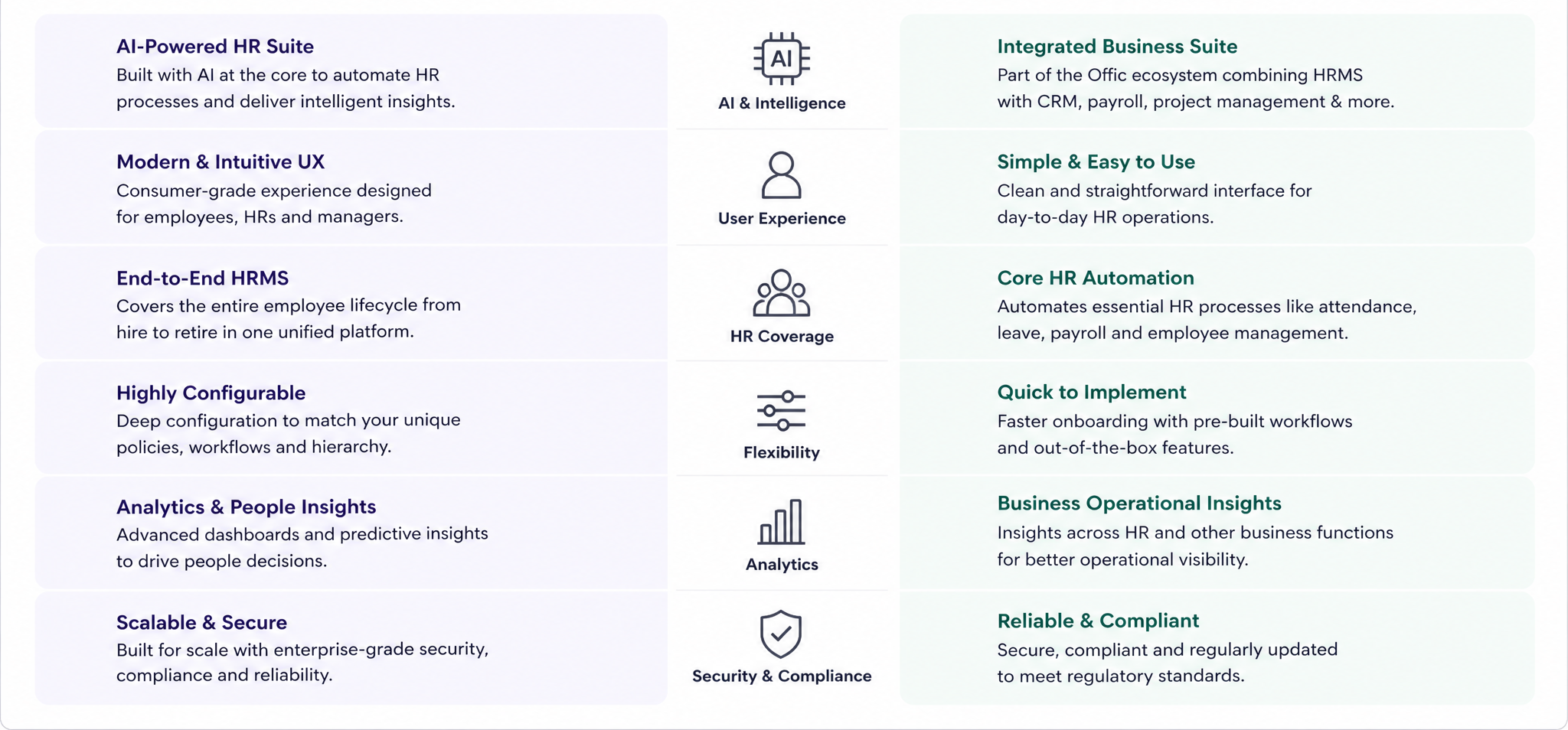
Here’s a quick side-by-side to orient you before you shortlist.
| Tool | Best suited for | Key strength | Watch-out |
|---|---|---|---|
| Wings Office | Growing small businesses | Flexibility + responsive support | Quick setup and customization as per your requirements |
| Zoho People | Zoho ecosystem users | Deep native integrations | Setup can take time |
| Keka | Mid-sized teams | Performance + analytics | Can be more than small teams need |
| Kredily | Early-stage startups | Free entry tier | Advanced features are paid |
| Pocket HRMS | Distributed teams | Mobile-first access | Narrower feature depth |

How to Choose the Right greytHR Alternative
Feature lists are seductive and mostly useless on their own. A tool with fifty features you’ll never touch isn’t better than one with the fifteen you’ll use daily. The smarter approach is to start with your actual constraints and work backward.
Begin with team size and growth. A five-person startup and a ninety-person company have different needs, and some tools that feel generous at a small scale get expensive fast as you add headcount. Map your likely size twelve to eighteen months out, not just today.
Next, pin down your compliance and payroll complexity. If your payroll is straightforward, most tools will handle it. If you have multiple states, variable pay structures, or industry-specific statutory rules, test those exact scenarios during a trial rather than trusting the feature checklist.
Think hard about integrations before committing. List every system your HR data needs to connect with, attendance hardware, accounting software, your CRM, and confirm the alternative supports them natively. Manual data transfer is a hidden cost that shows up every month.
Support quality deserves more weight than most buyers give it. Ask how support is delivered, what the response times look like on your plan tier, and whether there’s a dedicated contact. The cheapest plan with no real support can cost you dearly during a payroll emergency.
How to Choose the Best HR Software to Manage a Team
Zoom out from the greytHR comparison for a moment, because choosing any HRMS software in India follows the same underlying logic. The goal isn’t to find the “best” tool in some absolute sense. It’s to find the tool that reduces the most friction for how your team actually works.
Start by auditing where time currently leaks. If managers spend hours every month chasing leave approvals or reconciling attendance, that’s your priority, and the software that solves it best wins, even if it’s weaker elsewhere. Buying for problems you don’t have is how businesses end up paying for complexity they never use.
Involve the people who’ll live inside the tool daily. HR staff, team leads, and even a few employees should test the interface before you sign anything. Adoption fails fast when software is bought by one person and imposed on everyone else. A slightly less powerful tool that your team actually uses beats a powerful one they quietly avoid.
Pay attention to the total cost of ownership, not the sticker price. Setup time, training, add-on modules, and per-employee scaling all add up. A payroll software for small businesses that looks cheap upfront can become the expensive option once you factor in the hours spent working around its limits. Weigh the full picture, then decide.
FAQs
Frequently Asked Questions
Is greytHR a bad choice for small businesses?
Not at all. greytHR handles standard payroll and compliance reliably for many small businesses. The reason people look at alternatives is usually fit, around customization, integrations, support speed, or pricing at scale, rather than any fundamental flaw in the product.
How disruptive is switching HR software mid-year?
It takes planning but is manageable. The cleanest transitions happen at the start of a financial year, though most tools support migration anytime. Export your employee, payroll, and compliance data, validate it against the new system during a trial, and run a parallel cycle before fully cutting over.
What’s the difference between HR software and payroll software?
Payroll software focuses specifically on salary calculation, deductions, and statutory compliance. HR software is broader, covering attendance, leave, onboarding, performance, and employee records. Most modern HRMS platforms, including the alternatives discussed here, combine both in one system.
Do I need separate tools for a distributed or remote team?
Usually not. Several cloud-based HR platforms offer mobile-first access so employees and managers can handle approvals, attendance, and requests from anywhere. The key is confirming the mobile experience is genuinely functional, not just a stripped-down version of the desktop tool.
Switching HR software is rarely about chasing the shiniest feature set. It’s about removing the daily friction that quietly drains your team’s time. If greytHR is working for you, there’s no rush. But if you keep bending your process to fit the tool, or bracing yourself before every support ticket, that’s a signal worth acting on. Shortlist two or three alternatives, run your hardest real-world scenarios through each, and let the results decide.