
Your HR team spends the first week of every month buried in the same requests. “Can you send my last payslip?” “How many leave days do I have left?” “My address changed, can you update it?” None of these tasks require HR judgment. They just require access. That’s the gap an employee self service ess portal app closes.
Instead of routing every routine query through a person, you hand employees a secure window into their own information. They pull their own payslips, apply for leave, update personal details, and check tax documents without opening a single email. HR gets those hours back for work that actually needs human attention.
This article walks through what these portals do, where they deliver the most value, what to watch for during rollout, and how to decide if one fits your organization.
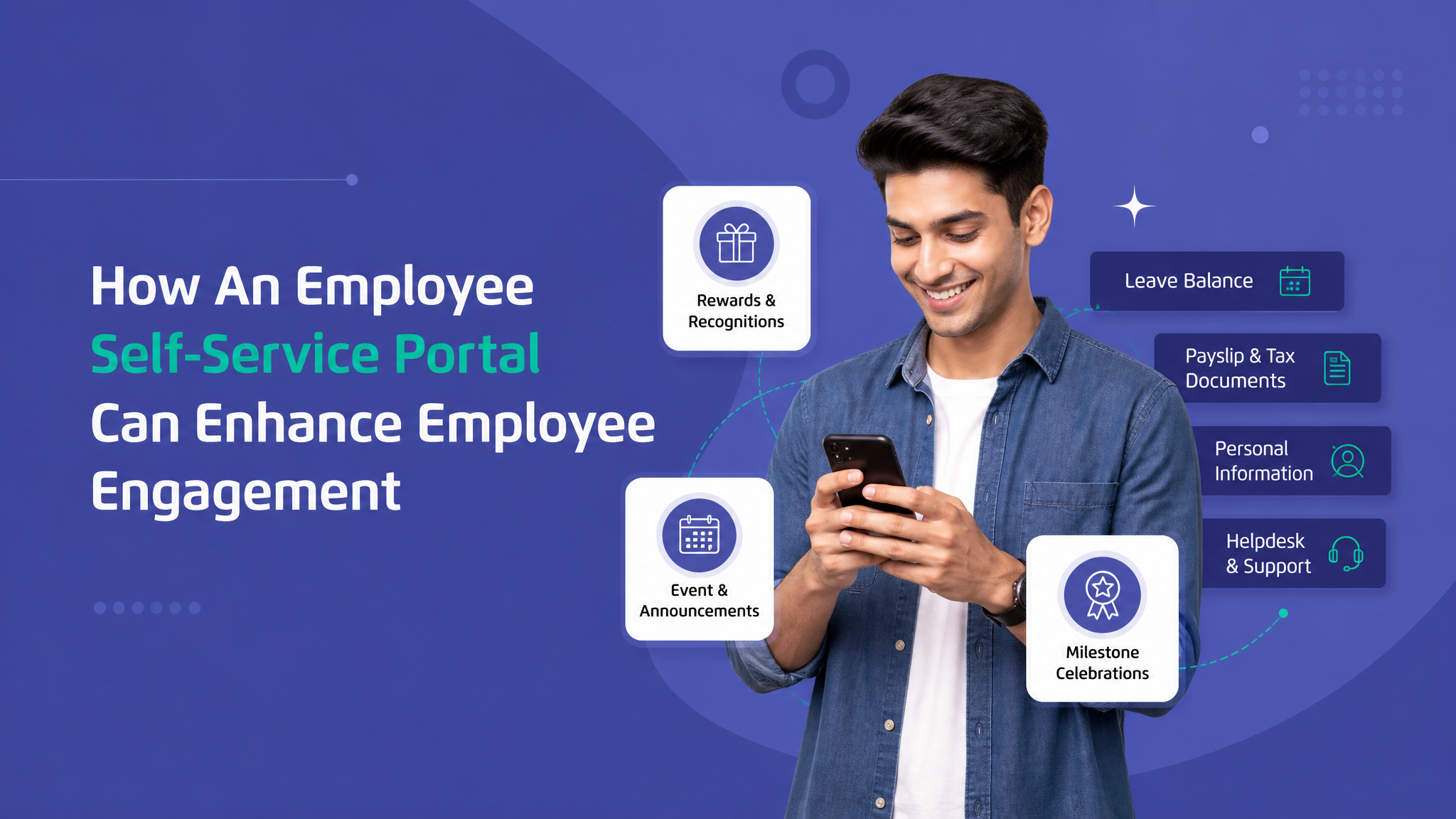
What an Employee Self Service ESS Portal App Actually Does
At its core, an ESS portal is a controlled access layer sitting on top of your HR and payroll data. Employees log in and interact directly with their own records. The system enforces permissions, so people see what belongs to them and nothing more.
The typical feature set covers a handful of daily needs:
- Payslip and tax document access, where employees download current and historical payslips, Form 16 or equivalent tax statements, and salary breakdowns without waiting on a finance team member to dig them out.
- Leave and attendance management, letting staff apply for time off, check remaining balances, view approval status, and see their attendance log in one place instead of chasing a supervisor for numbers.
- Personal information updates, so a change in bank account, address, emergency contact, or phone number flows in through the employee with an approval step, rather than a manual data-entry request landing on someone’s desk.
- Reimbursement and expense claims, where employees submit receipts, track claim status, and see when payment is processed, cutting the back-and-forth that usually clogs email threads.
The value isn’t any single feature. It’s the shift in who does the work. Data entry and retrieval move to the person who owns the data, and the people who used to field those requests get freed up.
Why an Employee Self Service ESS Portal Matters for Growing Teams
Small teams can survive on manual HR. When you have twelve people, someone updating a spreadsheet works fine. The math breaks down as headcount climbs.
Consider a company that doubles from 40 to 80 employees in a year. HR request volume roughly doubles too, but the routine requests, payslip copies, leave balance checks, address changes, grow faster than the strategic ones. Without a self service layer, you either hire more admin staff to keep pace or you let response times slide. Neither is a good outcome.
An employee self service ess portal changes the slope of that line. Routine requests stop scaling with headcount because employees handle them directly. Your HR team can grow with the complexity of the work, hiring, performance, culture, retention, rather than with the volume of paperwork.
There’s a compliance angle too. Manual updates introduce transcription errors. Someone mistypes a bank account number, and payroll lands in the wrong place. When employees enter their own details and confirm them, the accountability shifts and the error rate drops. Audit trails become cleaner because every change carries a timestamp and a source.

How ESS Employee Portal Payroll Integration Removes Friction
The payroll connection is where these portals prove their worth. A standalone document viewer is useful, but an ESS employee portal payroll integration is what eliminates the monthly scramble.
When the portal talks directly to your payroll engine, payslips generate and publish automatically the moment a pay run closes. No one exports PDFs and emails them. Tax documents appear on schedule. Salary revisions reflect instantly. Employees see accurate, current figures because the portal reads from the same source of truth payroll uses.
This matters most during predictable pressure points. Year-end tax filing season, for example, floods HR with document requests. A portal that already holds every payslip and tax statement turns that flood into a self-serve trickle. Employees download what they need at 11pm on a Sunday if that’s when they file, and no one on your team notices.
Integration depth varies, and it’s worth understanding the levels:
- Read-only sync, where the portal displays payroll output but changes still happen in the payroll system itself. This is simpler to set up and lower risk, suitable for organizations that want visibility without workflow changes.
- Two-way workflow, where actions in the portal, a reimbursement approval or a salary component change, feed back into payroll processing. This is more powerful but demands careful permission design and testing so nothing miscalculates.
Wings Office builds its ESS portal around this payroll link, so document generation and salary data stay consistent without duplicate entry across systems. The goal is a single flow from pay run to employee access, with no manual handoff in between.
What to Watch For During Implementation
Rolling out a self service portal is as much a change-management exercise as a technical one. The software rarely fails. Adoption does, when the rollout is handled poorly.
Data cleanup comes first. A portal exposes your existing data to every employee. If addresses are outdated, leave balances are wrong, or bank details are inconsistent, the portal makes those errors visible all at once. Clean the underlying records before you switch on access, not after employees start reporting problems.
Permissions need real thought. Deciding who approves what, whether a manager sees a direct report’s leave balance, how sensitive salary data is gated, these are policy decisions, not settings you flip at random. Map your approval hierarchy on paper before you configure anything.
Adoption requires a reason to log in. Employees won’t use a portal they forget exists. The fastest way to build the habit is to stop offering the old channel. Once payslips are only available through the portal, people learn it quickly. A soft launch where both the portal and email requests run in parallel tends to stall, because the path of least resistance stays open.
Mobile access is not optional. A large share of employees, especially in field, retail, or shift-based roles, rarely sit at a desk. If the portal only works well on a browser, a big chunk of your workforce won’t touch it. A proper app or responsive mobile experience is what makes self service actually self service.
Comparing a Portal Against the Status Quo
It helps to see the difference laid out plainly. Here’s how common HR tasks play out with and without a self service portal.
| Task | Manual Process | With an ESS Portal |
|---|---|---|
| Getting a payslip | Employee emails HR, waits for a reply, HR locates and sends the file | Employee logs in and downloads it in seconds, any time |
| Checking leave balance | Query to manager or HR, often an approximate answer | Real-time balance visible on the dashboard |
| Updating bank details | Form submission, manual entry by HR, risk of transcription error | Employee enters details directly, approval workflow confirms accuracy |
| Submitting expenses | Paper receipts or email attachments, unclear status | Digital submission with visible tracking and processing status |
| Year-end tax documents | Batch request season, HR under pressure | Documents pre-published, employees self-serve |
The pattern is consistent. Every row moves work off HR and gives employees faster, more accurate answers. The portal doesn’t just automate a task, it removes an entire category of interruption.
When an ESS Portal Might Not Be the Right Fit Yet
Honesty matters here. A self service portal isn’t the correct move for every organization at every stage.
If your headcount is very small and stable, the overhead of setting up, integrating, and maintaining a portal may outweigh the time it saves. Manual HR at that scale is genuinely manageable, and your money is better spent elsewhere.
If your payroll and HR data live in fragmented, inconsistent systems with no clean way to connect them, you have foundational work to do first. A portal built on messy data will surface that mess to your whole workforce, which erodes trust fast. Fix the data layer before you add a public-facing layer on top.
And if your workforce genuinely has low digital comfort and no reliable device access, forcing a portal-only model can shut people out of their own information. In those cases, a phased approach with strong support, or a hybrid model during transition, works better than a hard cutover.
For most growing organizations with reasonable data hygiene, though, the calculation favors adoption well before it feels urgent. The best time to implement is before the request volume becomes painful, not after.
Choosing a Portal That Fits Your Workflow
When you evaluate options, look past the feature checklist. Most portals list the same capabilities. The differences that matter show up in the details.
Ask how deep the payroll integration goes and whether it matches the payroll system you already run. A portal that forces you to switch payroll engines is a much larger project than it appears. Check whether the mobile experience is a genuine app or an afterthought. Test the approval workflow configuration, because rigid systems that can’t model your actual hierarchy create more friction than they remove. And confirm what the audit and reporting output looks like, since compliance often depends on it.
Wings Office positions its ESS portal for organizations that want payroll, leave, attendance, and employee data working together rather than as disconnected tools. The value comes from the integration, not from any single module.
Frequently Asked Questions
What is the difference between an ESS portal and full HR software?
How long does it take to implement an employee self service portal?
Is employee data safe in a self service portal?
Can employees update their own payroll details directly?
The real return on a self service portal isn’t the software. It’s the hours your HR team stops spending on retrieval and re-entry, redirected toward the work that keeps people engaged and the business compliant. Start by auditing where those hours go today. If routine requests dominate your HR calendar, a portal will pay for itself faster than you expect.
If you want to see how an integrated ESS and payroll setup would map to your workflow, take a closer look at what Wings Office offers.


