
Key Takeaways
- The best attendance software depends on your team size, work model, and how much your payroll depends on accurate time data.
- Biometric systems reduce buddy punching and manual errors, but they are not always the right fit for remote or hybrid teams.
- Cloud-based attendance management software suits distributed teams, while on-premises biometric setups fit fixed-location workforces.
- Look for payroll integration, leave management, and real-time reporting before you compare prices or brand names.
- Wings Office offers attendance management built for Indian businesses that need accuracy without heavy setup overhead.
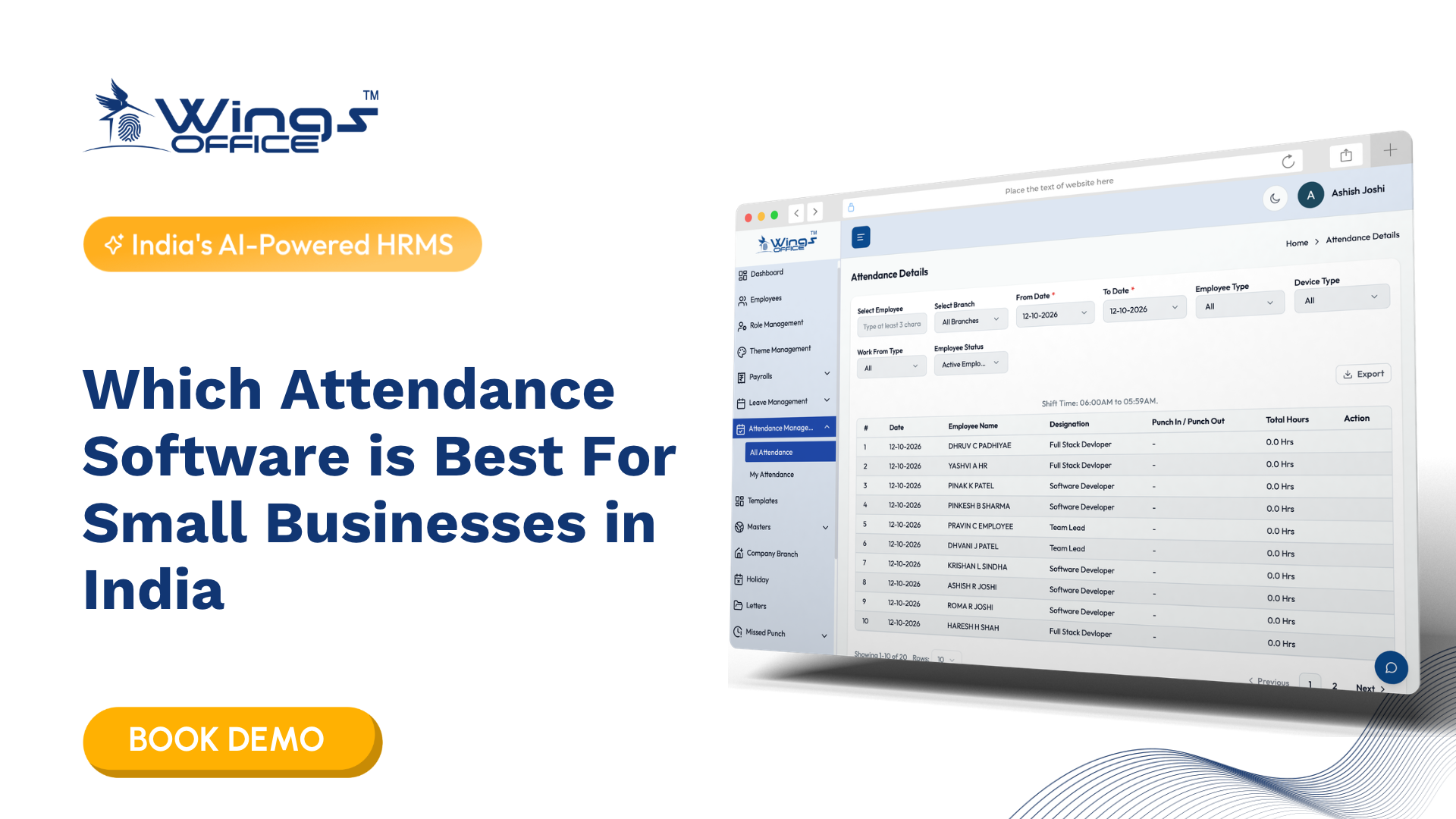
There is no single “best” attendance software, and anyone who tells you otherwise is selling something. What’s best for a 12-person design studio in Pune looks nothing like what works for a factory running three shifts. So instead of handing you a ranked list that ignores your reality, let’s figure out what actually matters when you pick attendance management software, and which type fits the way your people actually work.
By the end, you’ll know which features earn their place, when biometric hardware is worth the investment, and when it’s overkill.
What attendance management actually solves
Before comparing tools, it helps to be clear about the problem. Attendance management is the process of recording when employees start work, take breaks, go on leave, and clock out, then turning that record into something payroll and HR can trust.
In smaller teams, this often starts as a shared spreadsheet or a WhatsApp group where people drop a “logged in” message. That works until it doesn’t. Someone forgets to update the sheet, two people claim the same leave balance, or a manager spends a full morning reconciling timesheets before salary processing. The cost isn’t just wasted hours. It’s the quiet erosion of trust when an employee’s pay doesn’t match the days they actually worked.
Good attendance data feeds three systems at once: payroll, leave balances, and compliance records. When any of those depend on manual entry, errors compound. That’s the real reason attendance management matters, not because tracking hours is inherently important, but because so much downstream depends on getting it right.
Why attendance management software matters more than a spreadsheet
The jump from manual tracking to dedicated software usually happens at a predictable moment: when the person reconciling attendance can no longer do it from memory. Somewhere around 15 to 25 employees, informal systems start leaking.
Employee attendance management software automates the parts people get wrong. It timestamps clock-ins, applies your leave policy automatically, flags irregular patterns, and exports clean data to payroll. The value isn’t the tracking itself. It’s the removal of manual reconciliation, the step where most errors and disputes originate.
Consider a hypothetical retail business with four store locations. Each store manager was emailing a weekly attendance sheet to head office, and the HR person was retyping it into the payroll system. Two stores used slightly different formats, one manager rounded shift times generously, and salary queries arrived every single month. Software that let each store clock in through one interface, with rules applied uniformly, didn’t just save time. It ended the arguments.
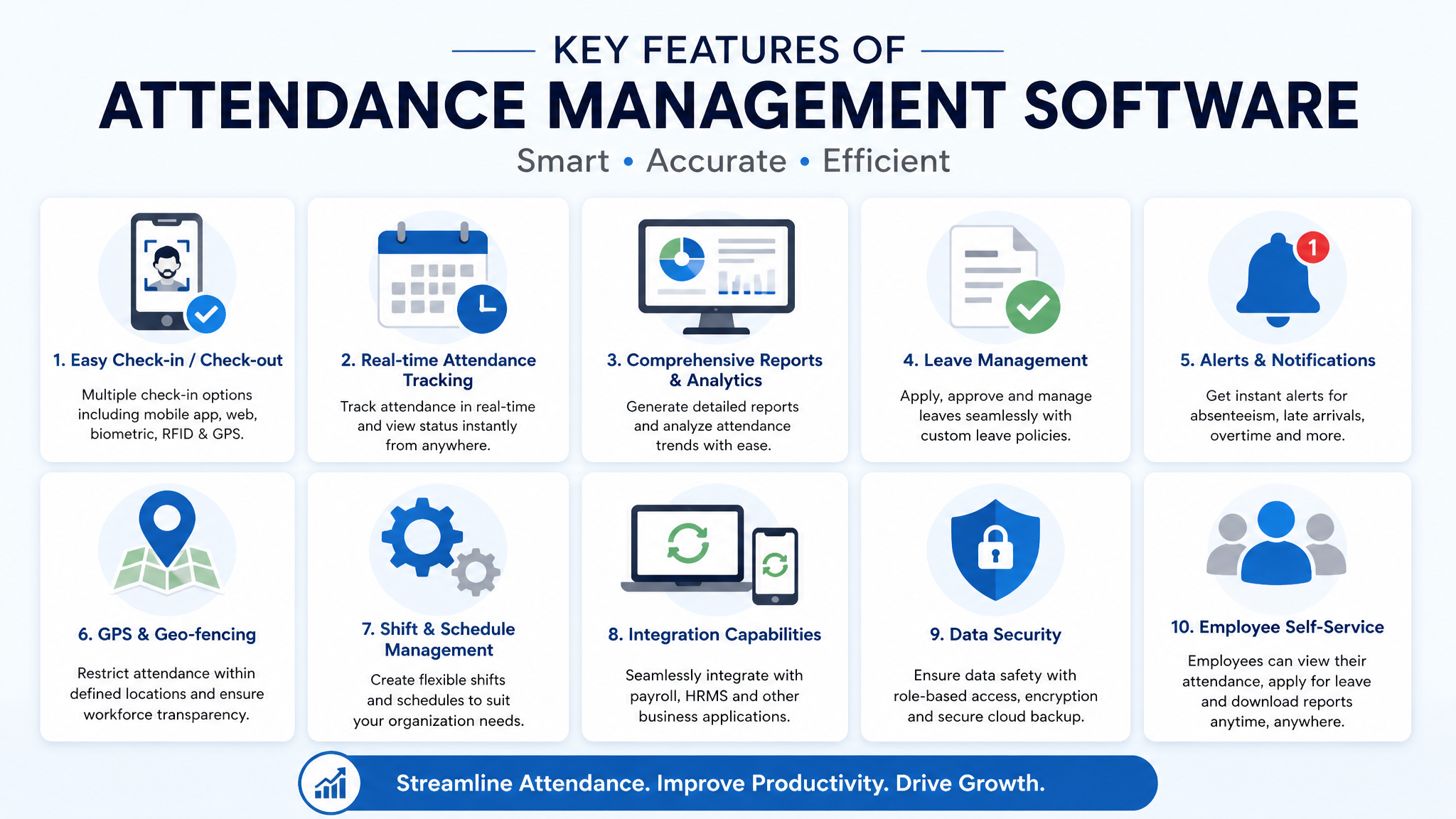
What you should look for depends on your situation, but a few capabilities separate real tools from glorified spreadsheets:
- Payroll integration that pushes attendance and leave data directly into salary calculations, so nobody retypes numbers between two systems and introduces errors at the handoff.
- Configurable leave and shift rules that match your actual policies, including half-days, comp-offs, and rotating shifts, rather than forcing your business to fit the software’s assumptions.
- Real-time visibility for managers to see who is present, who is late, and who is on leave without pinging anyone, which matters more as teams spread across locations.
- Self-service for employees so people can check balances, apply for leave, and correct genuine mistakes without routing every request through HR.
When biometric attendance management is the right fit
Biometric attendance management uses a physical trait, usually a fingerprint or face, to verify identity at clock-in. Its single biggest advantage is that it kills buddy punching: the practice of one employee clocking in for an absent colleague. If your attendance directly drives hourly pay, that fraud protection often pays for the hardware within months.
Biometric systems shine in fixed-location workforces. Manufacturing floors, warehouses, hospitals, retail stores, and any setting where staff physically report to a known site are ideal candidates. The employee is there anyway, so touching a device or facing a camera adds seconds, not friction.
But biometric hardware has real limits, and vendors rarely volunteer them. Fingerprint scanners struggle with worn or dirty fingers, common in trades and manufacturing. Facial recognition needs decent lighting and a clear mounting position. And none of it helps a remote or field workforce, because you can’t install a scanner in every employee’s living room or on every delivery route.
There’s also a data-sensitivity dimension. Biometric data is personal and, in some jurisdictions, subject to specific handling rules. Store it securely, be transparent with employees about what you collect, and confirm your vendor encrypts templates rather than raw images. This is a case where cutting corners creates legal and trust problems later.

Cloud, on-premise, and app-based: matching the tool to the team
The “best” software argument usually collapses once you sort options by deployment model, because each fits a different work pattern.
| Deployment type | Best suited for | Main trade-off |
|---|---|---|
| Biometric + on-premise | Fixed-site teams, factories, retail, clinics | Hardware cost and maintenance; no remote coverage |
| Cloud-based web and app | Hybrid teams, offices, multi-branch businesses | Depends on internet; requires employee buy-in |
| GPS and mobile clock-in | Field staff, sales teams, distributed workforces | Needs clear policy on location tracking |
| Hybrid (biometric + cloud) | Mixed workforces with both on-site and remote roles | More setup; one system must reconcile both |
A distributed sales team needs mobile clock-in with location stamps, not a wall-mounted scanner. A single-location dental clinic is better served by one biometric device at reception than by a cloud app employees might forget to open. Most growing businesses land in the hybrid category, and that’s exactly where a unified platform matters, because managing two disconnected systems reintroduces the reconciliation problem you were trying to escape.
What about free attendance software?
It’s a fair question, and the honest answer has conditions. Get free trials attendance management software for biometric setups and basic cloud tracking does exist, and for very small teams it can be a reasonable starting point. If you have five employees, a free tier that handles clock-in and basic leave tracking may be all you need for a while.
The limits usually show up in three places. Free plans cap the number of employees, so you outgrow them fast. They rarely include payroll integration, which means you keep doing the manual export-and-retype work that software was supposed to eliminate. And support is often minimal, so when something breaks before a salary run, you’re on your own.
Treat free tools as a trial, not a destination. They’re useful for proving that your team will actually adopt digital attendance before you commit budget. The moment attendance data starts feeding real payroll decisions for more than a handful of people, the hidden cost of “free” (manual work, errors, no support) usually exceeds the price of a paid plan.
A simple way to choose
Rather than comparing brand names first, work through these questions in order. The answers narrow your options faster than any feature checklist.
- Where do your people work? Entirely on-site points toward biometric. Mixed or remote points toward cloud and mobile. This single answer eliminates most of the market.
- Does attendance drive pay directly? If hourly accuracy determines salaries, prioritise fraud prevention and tight payroll integration over nice-to-have dashboards.
- How complex are your leave and shift rules? Rotating shifts, multiple leave types, and location-specific holidays demand configurable rules, not rigid defaults you’ll fight every month.
- Who maintains it? A lean team with no dedicated IT should favour cloud software over on-premise hardware that needs someone to manage servers and updates.
- How fast are you growing? If you’ll double headcount this year, pick something that scales without a migration, so you aren’t switching systems mid-growth.
Where Wings Office fits is right in the middle of this decision. It’s built for Indian businesses that need accurate attendance management software without heavy IT overhead, combining cloud-based tracking, configurable leave and shift rules, and payroll-ready data in one platform. For teams that need biometric clock-in on-site and app-based clock-in for field staff, it keeps both in a single record, which is exactly the reconciliation headache most businesses are trying to solve.
The best choice is the one that matches how your team actually works, integrates cleanly with payroll, and won’t need replacing the moment you grow. Start from your work model, not from a product name, and the shortlist writes itself.
Frequently Asked Questions
Is biometric attendance better than app-based attendance?
Neither is universally better. Biometric attendance is stronger for fixed-location teams because it prevents buddy punching and ties clock-in to a verified identity. App-based and GPS attendance is better for remote, hybrid, and field staff who have no single site to report to. Many businesses use both and feed them into one system.
Can attendance management software handle payroll too?
Many platforms either include payroll or integrate directly with payroll systems, which is the main reason to move beyond spreadsheets. The attendance and leave data flows into salary calculations automatically, removing the manual retyping step where most errors and disputes come from. Always confirm the integration before buying.
Is free attendance software safe to rely on for a growing team?
Free tools are fine as a trial and for very small teams, but they usually cap employee numbers, skip payroll integration, and offer limited support. As soon as attendance feeds real payroll for more than a handful of people, the hidden cost of manual work and errors tends to outweigh the price of a paid plan.
How do I manage attendance for a team that works both on-site and remotely?
Use a single platform that supports multiple clock-in methods: biometric or app-based for on-site staff and GPS or mobile clock-in for remote and field workers. The key is that both inputs land in one unified record so payroll and HR see a single consistent dataset rather than two systems you have to reconcile manually.