
ROLL-WISE ACCESS MANAGEMENT SOFTWARE FOR HR
Data Controlled By:
Right People. Right Permissions.
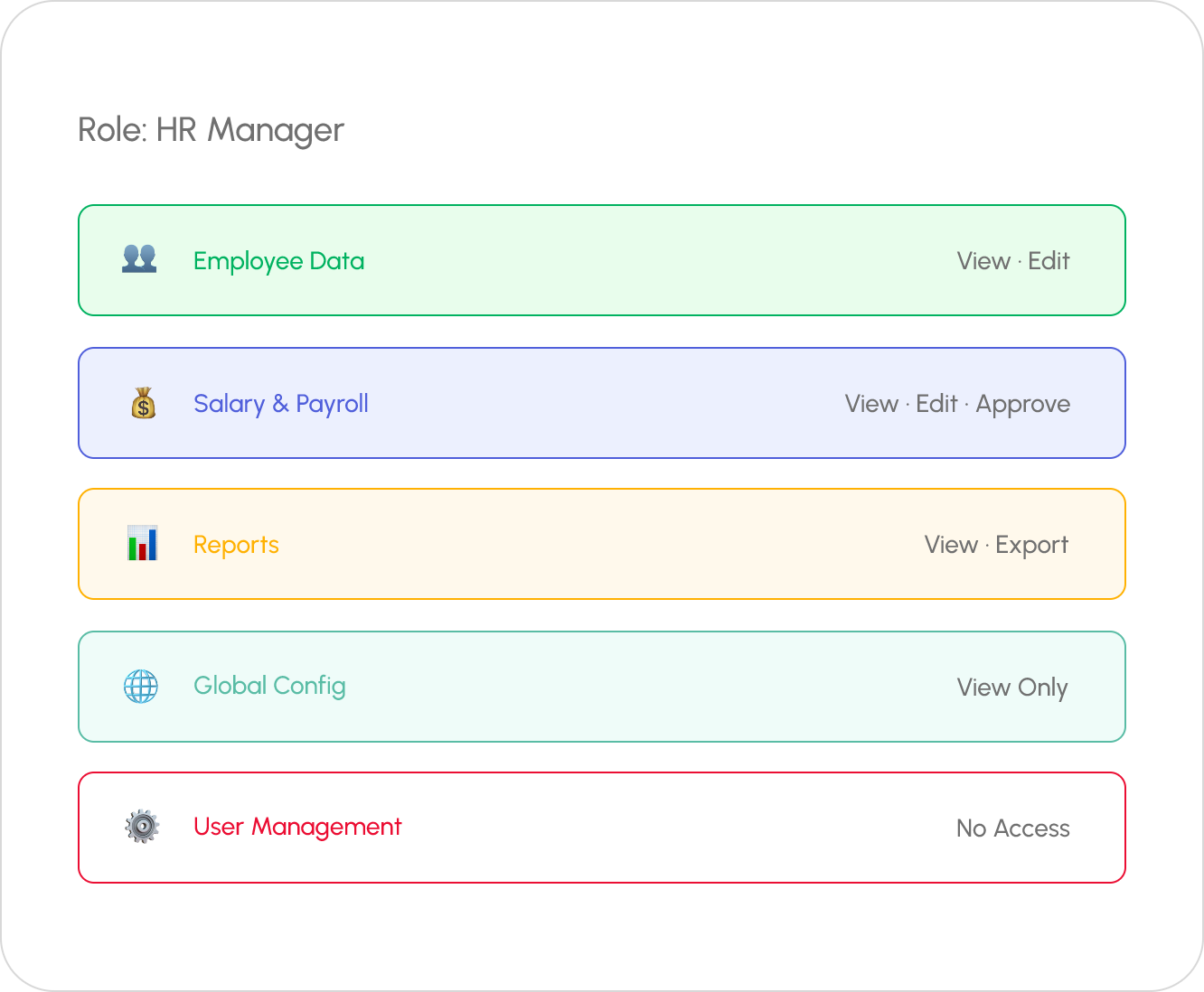
Define custom roles: HR Admin, Manager, Finance, and Employee, and control exactly what each role can view, edit, approve, or export. Granular permissions for every module. Enterprise-grade security without complexity.

WHAT IT MATTERS
Security Without Slowing Anyone Down

Custom Roles
Create unlimited custom roles beyond the defaults. Regional HR, Branch Accountant, Department Head — each with unique permissions that match their responsibilities.

Granular Permissions
Control access at the action level — View, Create, Edit, Delete, Approve, Export. Each module has its own permission matrix for complete flexibility.

Data Scope Control
Define which employees a role can access — their own team, department, branch, or the entire company. Managers only see their reportees’ data.

Audit Trail
Every permission change is logged. Track who modified which role, when, and what changed. Complete accountability for compliance audits.
Pre-built Roles
Start with Smart Defaults,
Customize as You Grow
Pre-configured Role Templates
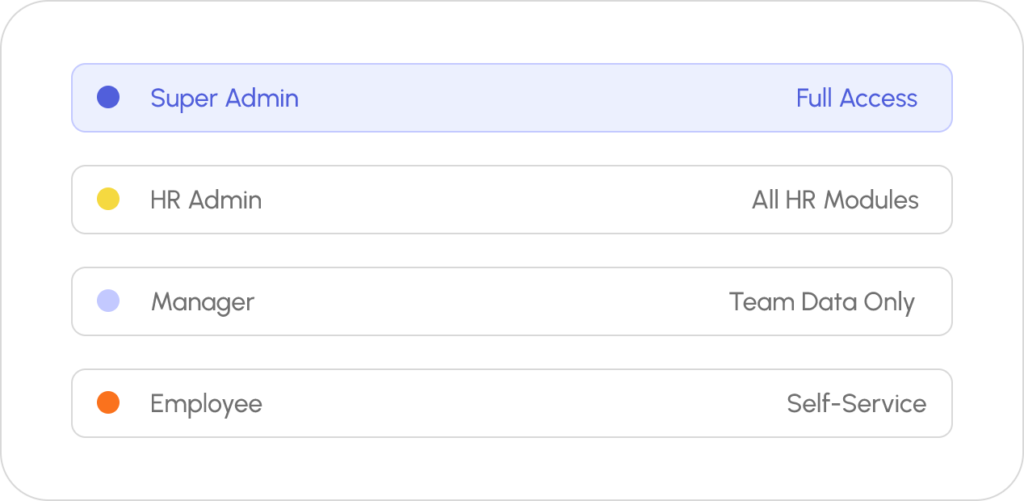
WingsOffice comes with pre-built role templates — Super Admin, HR Admin, HR Executive, Manager, Finance Team, and Employee. Each template has sensible default permissions. Clone and customize any template to create your own roles.
- 6 pre-built role templates
- Clone & modify any template
- Assign multiple roles to one user
- Role inheritance & override
Go Live in 4 Simple Steps
Most teams are up and running the same day.
Sign Up
Create your free account in under 2 minutes. No credit card required.
Configure
Set up company profile, policies & workflows with our guided setup wizard.
Onboard Team
Invite your team via email or bulk upload CSV. They’re ready in minutes.
Go Live
Start managing HR with AI power. Most teams are live the same day.
Frequently Asked Questions
Common Questions
Role-Based Access Control in HR Chronicle
HR Chronicle uses Role-Based Access Control (RBAC) to ensure employees, managers, HR teams, and administrators can access only the information relevant to their responsibilities. This improves data security, protects sensitive employee information, and helps organizations maintain compliance with internal policies.
Can I Import Employees from My Existing System?
Yes, HR Chronicle supports employee data import through Excel, CSV files, or compatible integrations, enabling businesses to migrate existing employee records quickly and accurately. This reduces manual data entry and ensures a seamless transition to the HRMS platform.
How Does the Self-Service Portal Work?
The Employee Self-Service (ESS) portal enables employees to independently access payslips, attendance records, leave balances, tax documents, and personal information. Employees can also submit leave requests, update profile details, and track approvals, reducing administrative workload for HR teams.
Is Employee Data Secure?
Yes, HR Chronicle protects employee information through role-based permissions, secure authentication, encrypted data storage, and controlled access policies. These security measures help safeguard sensitive HR and payroll data while supporting organizational compliance and data privacy standards.
Which Data Are Accessible from the Admin Role?
The admin role typically has access to employee profiles, attendance, leave records, payroll settings, compliance data, organizational reports, user permissions, and system configurations. Access can be customized based on organizational policies, ensuring administrators manage HR operations securely while maintaining appropriate data governance.


